How to Word a Birthday Invitation (Examples for Kids & Adults)
Birthday invitation wording examples for kids, teens, and adults, plus the must-have details for every invite.

On this page
Key Takeaways
Birthday invitation wording examples for kids, teens, and adults, plus the must-have details for every invite.
Stuck on what to write? Good birthday invitation wording is short, clear, and sets the mood. Here are the essentials — plus examples you can copy.
What every invitation needs
- Who the party is for
- The occasion (e.g. 5th birthday)
- Date and start time
- Location
- RSVP details
Kids' birthday wording
“Let's party! Join us to celebrate Mia turning 5! Saturday, June 14 at 2 PM, 123 Maple Lane. RSVP to Mom at 555-1234.”
Teen birthday wording
“You're invited to Jaden's 15th birthday bash! Friday, July 11 · 7 PM · The Skate Loft. Text Jaden to RSVP.”
Adult birthday wording
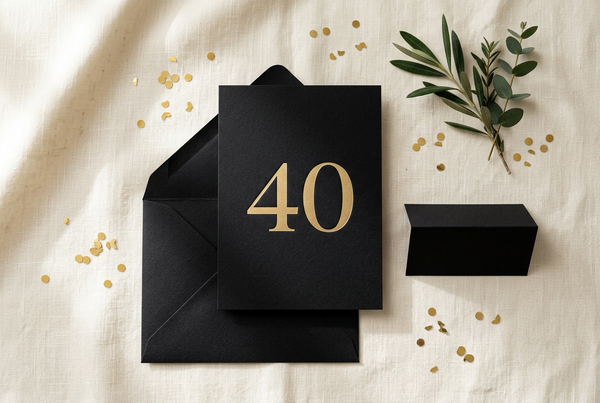
“Please join us to celebrate Sarah's 40th! Cocktails & dinner, Saturday, August 9 at 6:30 PM, The Rooftop. Kindly RSVP by August 1.”
Milestone birthday wording
“Cheers to 50 years! Help us surprise David. Saturday, May 3 at 5 PM. Shh — it's a surprise! RSVP to Lisa.”
Make it your own
Once you have your wording, drop it into an editable template. Browse our birthday invitation templates and personalize yours in Canva in minutes.
Make your invitation in 2 minutes
Type your details, see a free preview, and download a print-ready PNG and PDF right away. No design skills, no Canva needed.
Shop Templates From This Guide


Frequently Asked Questions
Do I need a paid Canva account?
No. Every VoltBy template works with a free Canva account. You will never be asked to upgrade to Canva Pro to edit or download your design.
Can I print these at home or at a print shop?
Yes. You can print at home, at a local print shop, or through an online printer. You can also share your invitation digitally by text, email, or social media.
Can I personalize the text, colors, and details?
Absolutely. You can edit names, dates, wording, colors, and fonts directly in Canva. Prefer not to do it yourself? Choose the we-edit option and we will personalize it for you.
Is anything shipped to me?
Nothing is shipped. VoltBy templates are digital. After purchase you receive your design by email, ready to edit, print, or share.
Ready to make yours?
Pick a design, edit it yourself in Canva, or let us personalize it for you. Delivered straight to your inbox.