How to Address and Send Party Invitations (Etiquette + Timing)
A practical etiquette guide to addressing party invitations and sending them at the right time — for both digital and printed invites.
On this page
Key Takeaways
A practical etiquette guide to addressing party invitations and sending them at the right time — for both digital and printed invites.
Sending invitations at the right time — and addressing them properly — helps guests feel welcome and boosts your RSVP rate. Here's a simple guide.
When to send invitations
- Casual gatherings: 2–3 weeks ahead
- Kids' birthday parties: 3–4 weeks ahead
- Baby & bridal showers: 4–6 weeks ahead
- Weddings: 6–8 weeks ahead (save-the-dates earlier)
- Holiday parties: 4–6 weeks ahead, since calendars fill up
How to address invitations
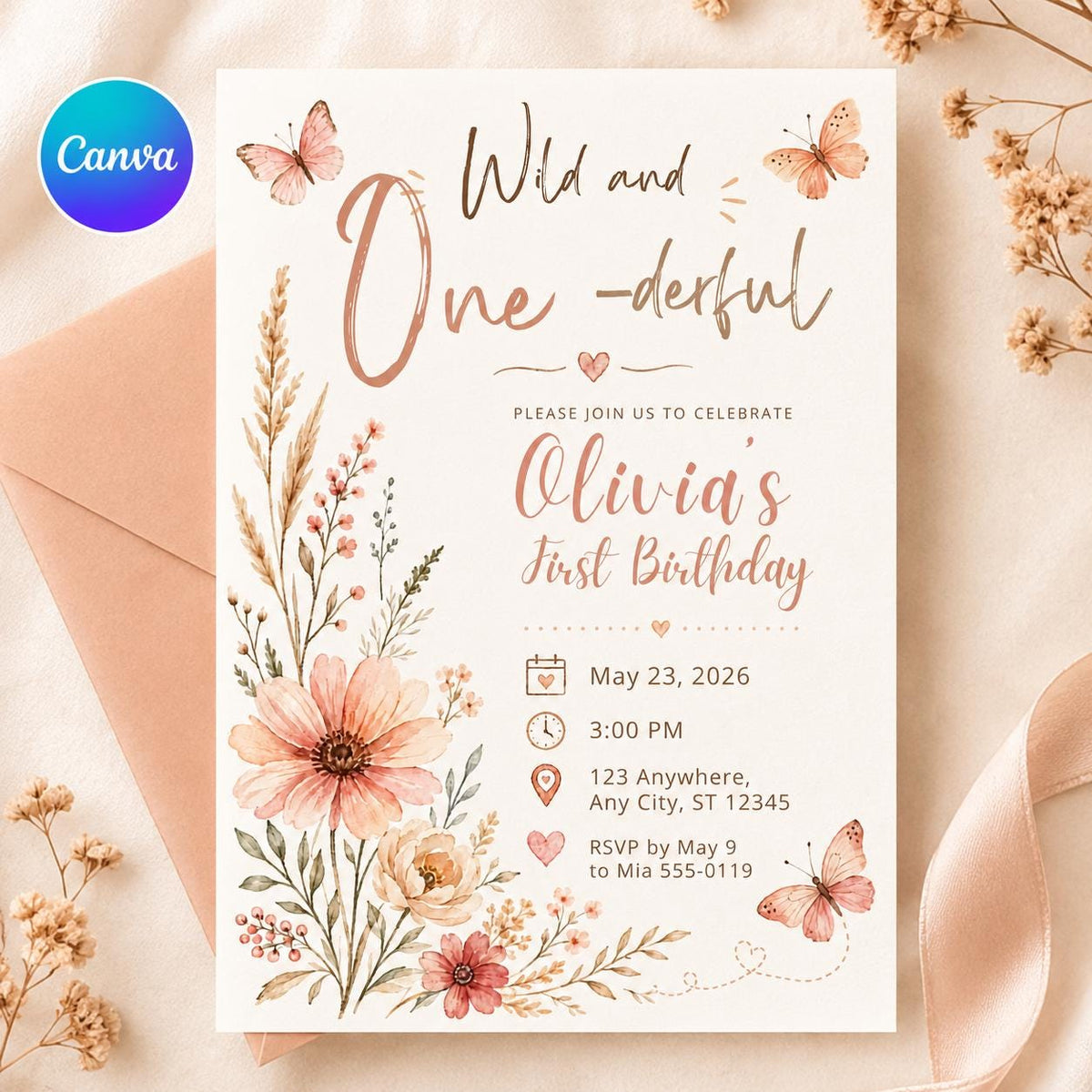
For printed invitations, write the guest's name clearly and use titles where appropriate. For families, you can address the household (e.g. “The Garcia Family”). For formal events, spell out full names.
Set a clear RSVP date
Ask guests to RSVP about one week before the event so you have time to finalize numbers. Make responding easy with a phone number, email, or link.
Digital or printed?
Both work beautifully. Printed invitations feel special for milestone events, while digital invitations are fast and budget-friendly. Learn how to send them in our guide on sending digital invitations by text or email.
Ready to send yours? Browse our editable invitation templates and personalize one in minutes.
Make your invitation in 2 minutes
Type your details, see a free preview, and download a print-ready PNG and PDF right away. No design skills, no Canva needed.
Shop Templates From This Guide


Frequently Asked Questions
Do I need a paid Canva account?
No. Every VoltBy template works with a free Canva account. You will never be asked to upgrade to Canva Pro to edit or download your design.
Can I print these at home or at a print shop?
Yes. You can print at home, at a local print shop, or through an online printer. You can also share your invitation digitally by text, email, or social media.
Can I personalize the text, colors, and details?
Absolutely. You can edit names, dates, wording, colors, and fonts directly in Canva. Prefer not to do it yourself? Choose the we-edit option and we will personalize it for you.
Is anything shipped to me?
Nothing is shipped. VoltBy templates are digital. After purchase you receive your design by email, ready to edit, print, or share.
Ready to make yours?
Pick a design, edit it yourself in Canva, or let us personalize it for you. Delivered straight to your inbox.