


Pink Winter ONEderland 1st Birthday Invitation for Girls
Pink Winter ONEderland 1st Birthday Invitation for Girls
This invitation pairs teddy bear and snowflake artwork with pink. Make it yours in Canva in minutes, or send us your details and we'll do it for you.
We personalize it for you and email the finished files.

- ✓Invitation5 × 7 in
- ✓Welcome Sign24 × 36 in
- ✓Milestone Board24 × 36 in
- ✓Favor Tag2 × 3.5 in
- ✓Thank You Card5.5 × 4.25 in
- ✓Invitation5 × 7 in
- ✓Welcome Sign24 × 36 in
- ✓Milestone Board24 × 36 in
- ✓Favor Tag2 × 3.5 in
- ✓Thank You Card5.5 × 4.25 in
- ✓First Year Photo Board24 × 36 in
- ✓Monthly Photo Banner12 cards at 5 × 7 in each
- ✓Time Capsule Card5 × 7 in
- ✓High Chair Banner5 × 7 in per pennant
Self Edit — every piece arrives as a Canva template in the same matching design, at the size listed, ready for you to personalize.
We Edit — send us your details and we personalize every piece for you, then send the finished files as print-ready PNG and PDF. Need a different size or format? Just add it in the We Edit box.
Either way it’s delivered by email — print at home or at any print shop, as many times as you like.
Pink Winter ONEderland 1st Birthday Invitation for Girls pairs teddy bear and snowflake artwork with pink. The tone is pitched at girls.
Every detail is editable in Canva — names, dates, start time, location, RSVP details and the age. If a decorative word or number will not change, message us with your order number and we will update it for you, usually within minutes.
A month's notice is comfortable for a first birthday. Party Essentials and the Full Party Pack extend this design to the welcome sign, tags and thank-you cards.
Design details
- Occasion: first birthday
- Theme: teddy bear and snowflake
- Colors: pink
- Season: winter
- Suits: girls
- Edit in: Canva — free account, no Canva Pro
What you get
- Editable Canva template — works on a free Canva account, no Canva Pro needed.
- Change every line of text in Canva: names, dates, times, location and wording.
- Prepared for A4 (210 × 297 mm / 8.27 × 11.69 in) and 5 × 7 in, with layout adjustments for each ratio.
- Export your finished design as PDF, JPG or PNG.
- Print it at home or at a print shop, or send it digitally by text, email or social.
Self Edit or We Edit
Self Edit — VoltBy emails your editable Canva link and you personalize it yourself.
We Edit — send VoltBy your details and the design is personalized for you, then the finished files are emailed back as PNG and PDF. Need a different format? Tell us when you order or reply to the email and we will send it.
Choose your party package
Invitation Only — the first birthday invitation on its own.
Party Essentials — five coordinated pieces: Invitation 5 × 7 in; Welcome Sign 24 × 36 in; Milestone Board 24 × 36 in; Favor Tag 2 × 3.5 in; Thank You Card 5.5 × 4.25 in.
Full Party Pack — everything in Party Essentials plus First Year Photo Board 24 × 36 in; Monthly Photo Banner — 12 cards at 5 × 7 in each; Time Capsule Card 5 × 7 in; High Chair Banner — 5 × 7 in per pennant.
Every piece is supplied at the size listed, with resizing options if you need a different format.
Common questions
Do I need Canva Pro? No — a free Canva account is enough to personalize this invitation.
Can I print it myself? Yes. Download it as a PDF, JPG or PNG and print at home, at a local print shop or through an online printing service.
When do I get it? Your Canva link is emailed after purchase — usually straight away, and within 24 hours at the latest.
Is anything shipped? No. Every VoltBy invitation is a digital design.
Delivery
Your Canva link or finished file is emailed after purchase — usually straight away, and within 24 hours at the latest. This is a digital design: nothing is printed or shipped.
How It Works
How It Works
1. Choose your design
Browse our editable invitation templates and pick the design that fits your celebration.
2. Open the Canva template
Right after purchase, your editable Canva link is emailed to you — usually within minutes, and always within 24 hours. You don't need Canva Pro.
3. Personalize your invitation
Edit the name, age, date, time, location, RSVP details, colors, and wording directly in Canva.
4. Download your finished design
When your invitation is ready, download it as a PDF, JPG, or PNG.
5. Print or share digitally
Print at home, take it to a local print shop, or send it digitally by text, email, or social media.
Need help? Contact us anytime at contact@voltby.net.
Self-Edit vs We-Edit
Self-Edit vs We-Edit
Self-Edit Canva Template
We send the editable Canva template link to your email. Personalize the text, colors, and event details yourself in Canva, then download, print, or share.
We-Edit For You
Send us your event details and we personalize the design for you. Your ready-to-print digital file is delivered by email.
Want a matching back side?
Self-Edit: after you order, email contact@voltby.net with your order number and we'll design a matching back for your template. We-Edit: just write "add a matching back side" (and what you'd like on it) in the We-Edit details box.
FAQ
FAQ
What do I receive after purchase?
Everything arrives by email — usually within minutes of your purchase, with no shipping cost and no waiting for the mail.
Self-Edit: you receive a link to the editable Canva template and personalize it yourself.
We-Edit: you send us your details and we email back the finished design as PNG and PDF files, ready to print or share. Need a different file format? Tell us in the personalization box when you order, or reply to our email, and we will send it over.
How fast will I get it?
Fast. Self-Edit: your editable Canva link is emailed to you right after purchase — usually within minutes. We-Edit: we personalize your design and email you the finished files within 24 hours.
What is the difference between Self-Edit and We-Edit?
With Self-Edit, we email you the editable Canva template link and you personalize it yourself. With We-Edit, you send us your event details, our team personalizes the design for you, and we email you the finished, ready-to-use file.
Do I need Canva Pro?
No. Our templates can be edited with a free Canva account.
Can I edit the text?
Yes. You can personalize names, dates, times, addresses, RSVP details, colors, and any other party information.
Can I print my invitation?
Yes. Once you've finished editing, download it as a PDF, JPG, or PNG and print it at home, at a local print shop, or through an online printing service.
Can I share it digitally?
Absolutely. Download your finished invitation and send it by text, email, or social media.
Do you customize invitations for me?
Some designs can be customized on request. Just contact us before or after purchase and we'll let you know what's possible.
When will I receive my template?
Your editable Canva link is emailed right after purchase — usually within minutes, and always within 24 hours. We-Edit files arrive within 24 hours. If you don't see it, check your spam or promotions folder.
Can I get matching party items?
Yes, in two different ways. On our Canva templates, choose the Party Essentials or Full Party Pack option on the product page to get matching pieces you edit in Canva. In the invitation maker, you can add matching pieces one by one after you unlock your invitation. These are two separate products with their own pieces, sizes and prices, explained below. Our custom design service can also create a full coordinated set for your event.
Can I get a refund?
If something is wrong with your order, we fix it or refund it. Refunds aren't available for a change of mind once the template or file has been opened. See our Refund Policy for the details.
Orders, delivery and your Canva link
I bought a template but didn't get my link. Where is it?
Check your spam, promotions and updates folders and search for "VoltBy". If nothing has arrived after 24 hours, email contact@voltby.net with your order number and we'll send it again.
Does my Canva link expire?
No. Your Canva link never expires, so you can come back and edit your design again anytime.
What do I need to enter at checkout?
Just your name and a correct email address. Your Canva link and files are sent to that email.
I typed the wrong email at checkout. What do I do?
Email contact@voltby.net with your order number and the correct email, and we'll send your files there.
Is anything shipped to me?
No. Everything is digital: you get an editable Canva link and files by email, and you can print it or send it by text.
What sizes are the Canva template files?
For our Canva templates and their packages: invitation 5x7 in, welcome sign 24x36 in, favor tag 2x3.5 in, thank-you card 5.5x4.25 in, menu 4x8 in, banner 72x24 in, program 4x9.375 in. They can be resized. Size and envelope guide.
Where can I print my invitation?
Download it as a PDF and print at home on cardstock or at any print shop. Where to print guide.
Can I print as many copies as I want?
Yes, for your own event. Your purchase is for personal use: you can edit, download, print and share your finished design for your own celebration.
Can I resell or share the template?
No. You can't resell, share or copy the template itself or use it to make products for sale. See our Terms of Service.
Can I use a discount code?
Yes, every checkout has a discount code field.
Editing your template
How do I edit my template?
Open the Canva link from your email, sign in to your free Canva account, click "Use template", then change the text, colors and photos. When you're done, click Share, then Download: PDF for printing, PNG or JPG for sending by phone. Step-by-step guide.
Can I edit it on my phone?
Yes. Open the link in the free Canva app. Phone editing guide.
Can I add a photo to my invitation?
Yes. In Canva you can upload your own photo into any template, and many designs are made for a photo. Our invitation maker can also add your photo for you.
Can I write my invitation in another language?
Yes. You can type your wording in any language in Canva. If you'd rather we do it, choose We Edit and write your text in the We Edit box.
Can I send my invitation by WhatsApp or text?
Yes. Download it from Canva as a PNG or JPG and send it by WhatsApp, text or email.
What do I write in the We Edit box?
All your party details: names, age, date, time, address, RSVP info and any wording you want. Add "matching back side" if you want a double-sided invitation.
Can you fix a typo after I receive my We Edit file?
Yes. Email contact@voltby.net with your order number and the correction, and we'll fix it.
Can I get a double-sided invitation with a matching back?
Yes, we design a matching back side for you. Self Edit: after you order, email contact@voltby.net with your order number. We Edit: write "add a matching back side" (and what you want on it) in the We Edit details box. Double-sided printing guide.
Occasions and matching sets
What occasions do you have invitations for?
Birthdays (kids, first, teen and milestone), baby showers, gender reveals, weddings, engagements, bridal showers, bachelorettes, graduations, quinceañeras, anniversaries, baptisms, memorials, school and teacher events, and holiday parties. See all occasions on our Popular Searches page.
Do you have invitations for a boy or a girl?
Yes. Many designs come in boy, girl and gender-neutral styles.
What are Invitation Only, Party Essentials and Full Party Pack on the Canva templates?
These are the package options on our Canva template product pages. Invitation Only is just the invitation. Party Essentials adds 5 matching pieces. Full Party Pack is those 5 plus 4 more. The exact pieces depend on the occasion and are listed on each product page. Everything is an editable Canva template, sent by email.
Self Edit prices: Invitation Only $4.99, Party Essentials $10.99, Full Party Pack $15.99. We Edit prices: Invitation Only $7.99, Party Essentials $13.99, Full Party Pack $18.99.
Is the Full Party Pack on a Canva template the same as the Party Pack in the invitation maker?
No, they are two different products. The Party Essentials and Full Party Pack are package options on our Canva template product pages: a fixed set of pieces for that design, edited in Canva, at the package price on the product page. The Party Pack in the invitation maker is for an invitation you made with the invitation maker: after you unlock it, you pick matching pieces one by one, priced per piece with a bundle discount, and you get finished PNG and PDF files instead of a Canva link. The pieces, sizes and prices are different.
Do welcome signs and greeting cards come in packages?
No. Our standalone welcome signs and greeting cards are sold on their own, with no package options: $5.99 with Self Edit or $8.99 with We Edit. You just choose Self Edit or We Edit and add to cart.
Is the welcome sign in a party package the same as a standalone welcome sign?
They are two different things. The Party Essentials and Full Party Pack options on an invitation include a welcome sign in the same design as that invitation (24 x 36 in), as part of the package. Our standalone welcome signs are separate designs sold on their own in the Welcome Signs collection, at $5.99 Self Edit or $8.99 We Edit, with no packages. Browse welcome signs.
Do you have save the dates and wedding programs?
Yes. Wedding and nikah invitations have optional add-ons: a 5x7 Save the Date and a 4x9.375 Program.
Do you have memorial, funeral or celebration of life invitations?
Yes. We're so sorry if you're planning one. We have memorial service and celebration of life invitations you can edit in Canva, or we can personalize one for you with We Edit: Memorial invitations. Wording and planning guide.
Do you make fully custom designs?
Yes. Tell us what you have in mind on our Request a Custom Design page, or email contact@voltby.net.
Can I talk to a real person?
Yes. Tap "Chat with our team" in the chat, or email contact@voltby.net. Please include your order number if you have one.
The invitation maker (invitation generator)
What is the invitation maker, also called the invitation generator?
Our online invitation maker creates a custom invitation from your details in about 2 minutes. You type your event details, see a free preview, then download a high-resolution PNG and a print-ready PDF. Make yours here: https://voltby.net/pages/invitation-generator
Where is the invitation generator?
Here: https://voltby.net/pages/invitation-generator. Type your details, see a free preview, then download your PNG and print-ready PDF.
Is the invitation maker free?
The preview is free: you get 3 free watermarked previews every day, and they refill when you buy. Clean files unlock from $4.99.
How much does the invitation maker cost?
The invitation is $4.99, and the preview is always free. Matching pieces are optional and priced per piece: most are $2.49, the big ones are $4.99, and you save up to 20% when you add more.
What language will my invitation maker invitation be in?
The language you write it in. Type the names and wording in any language and the invitation comes out in that language. The EN, FR, ES and Arabic buttons only change the language of the page.
I made an invitation with the invitation maker and lost my files. How do I get them back?
Go to the invitation maker page and tap "Already bought? Get your files back". Enter your email and order number and your files will be ready to download again.
What is the Party Pack in the invitation maker?
The invitation maker Party Pack is the set of matching pieces you can add after you unlock an invitation you made with the invitation maker, all in the same design as that invitation. It is not the Party Essentials or Full Party Pack sold on our Canva templates. You tap "Complete your party pack", pick the pieces you want, and add a note if you like. Leave the note empty and we write the wording for every piece to match your invitation. You see a preview of the whole set for free, then tap "Unlock my set" to pay at the normal checkout, where discount codes work. Every piece arrives as a PNG and a print-ready PDF at its real size, with no watermark, usually in about 3 minutes. The files show on the invitation maker page under your invitation and the links are emailed to you.
How much do the invitation maker matching pieces cost?
These prices are only for pieces added in the invitation maker. Standard pieces are $2.49 each. Big pieces are $4.99 each: welcome sign, party banner, milestone board, seating chart and due date calendar. The discount grows with every piece you add and applies to every piece in your set:
1 or 2 pieces: full price ($2.49 standard, $4.99 big).
3 or 4 pieces: 10% off ($2.24 standard, $4.49 big).
5 to 7 pieces: 15% off ($2.12 standard, $4.24 big).
8 or more pieces: 20% off ($1.99 standard, $3.99 big).
Examples: 3 standard pieces are $6.72. A welcome sign plus 4 standard pieces is $12.72. 8 standard pieces are $15.92. While you pick, the invitation maker shows your total and how many more pieces unlock the next discount.
Which matching pieces can I add in the invitation maker?
These are the invitation maker pieces and sizes (the Canva template packages have their own pieces and sizes). For every occasion: welcome sign (24x36 in), thank-you card (5x3.5 in), favor or thank-you tag (2x3.5 in), favor sticker (2x2 in), table or party sign (8x10 in), food tent or buffet label (3.5x4 in), place card (3.5x2 in), menu card (4x9 in), water bottle label (8x2 in), cupcake topper (2x2 in), party banner or bunting (5x7 in), chocolate bar wrapper (5.25x6 in), chip bag wrapper (8.5x11 in), juice pouch label (3.5x5 in), gable box label (6x3.5 in), milestone or stats board (18x24 in), table number (5x7 in), RSVP card (5x3.5 in), details or info card (5x3.5 in), program or order of events (4x9 in) and party or shower game card (5x7 in).
Baby showers and gender reveals also get a diaper raffle card, a books for baby card and a due date guess calendar (18x24 in). Weddings, engagements, anniversaries and bridal showers also get a seating chart (24x36 in). Weddings and bridal showers also get a recipe card and a recipe request card. Weddings, engagements, bridal showers, anniversaries, retirements, dinner parties and housewarmings also get a wine or champagne label.
The invitation maker suggests the best pieces for your occasion first, and you can open the full list.
Should I use the invitation maker or a Canva template?
The invitation maker is fastest: about 2 minutes, no Canva needed and a free preview. A Canva template lets you change every detail yourself and comes with matching sets. Compare them.


More Similar Items
Discover more editable Canva invitation templates in a similar style.


Real Templates. Real Parties. Real Easy.
See how customers edit, print, and style their VoltBy templates.
With VoltBy, You Get More of the Party Look for Less

Invitation Only
- Just the invitation
- Add matching pieces any time
- Self-Edit or We-Edit

Party Essentials
- Invitation + 4 matching pieces
- Every piece in the same design
- Chosen to match your occasion

Full Party Pack
- Invitation + 8 matching pieces
- Everything in Party Essentials, and more
- Lowest price per piece

Ready in 3 Simple Steps
From checkout to party-ready in three easy steps.
- Choose your design — pick your invitation and add matching pieces.
- Check your email — your Canva link or personalized file is delivered by email.
- Edit, print, or share — customize in Canva, then print or send digitally.
Why Hosts Love VoltBy
At VoltBy, we’re dedicated to making party planning simple, beautiful, and stress-free with editable Canva templates and matching party printables.
Our designs are created for busy hosts who want a polished celebration look fast — easy to personalize, delivered by email, and perfect for printing or sharing digitally. We’re here to help make sure your party feels special from start to finish.
Real Parties, Real Prints
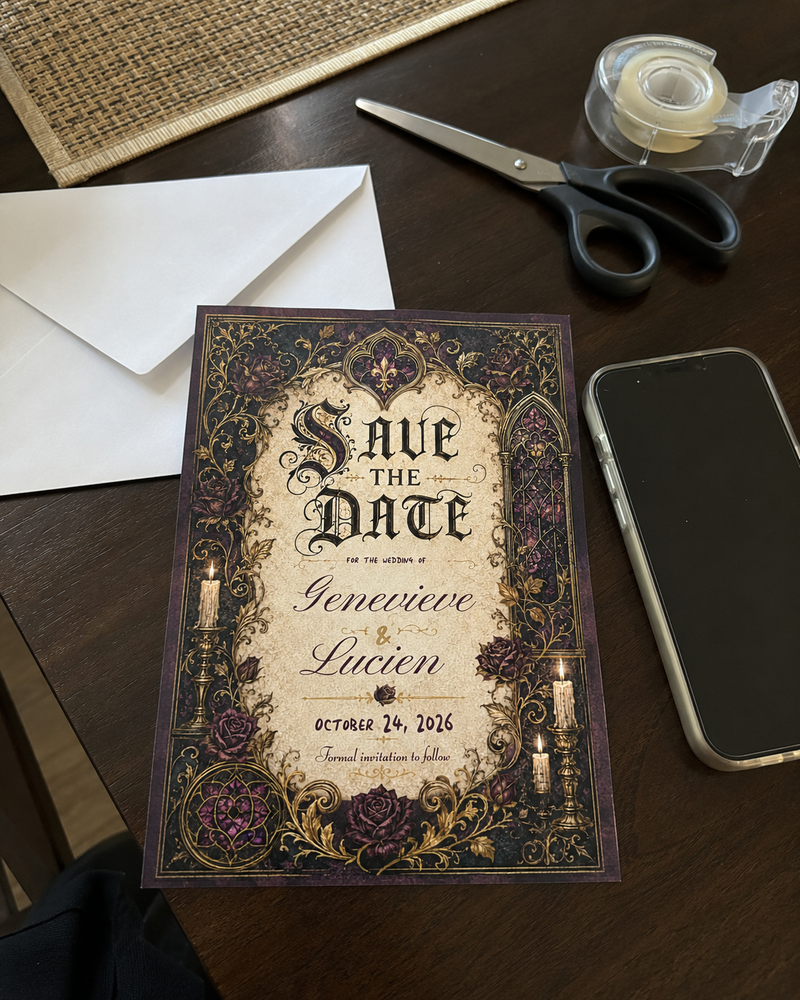
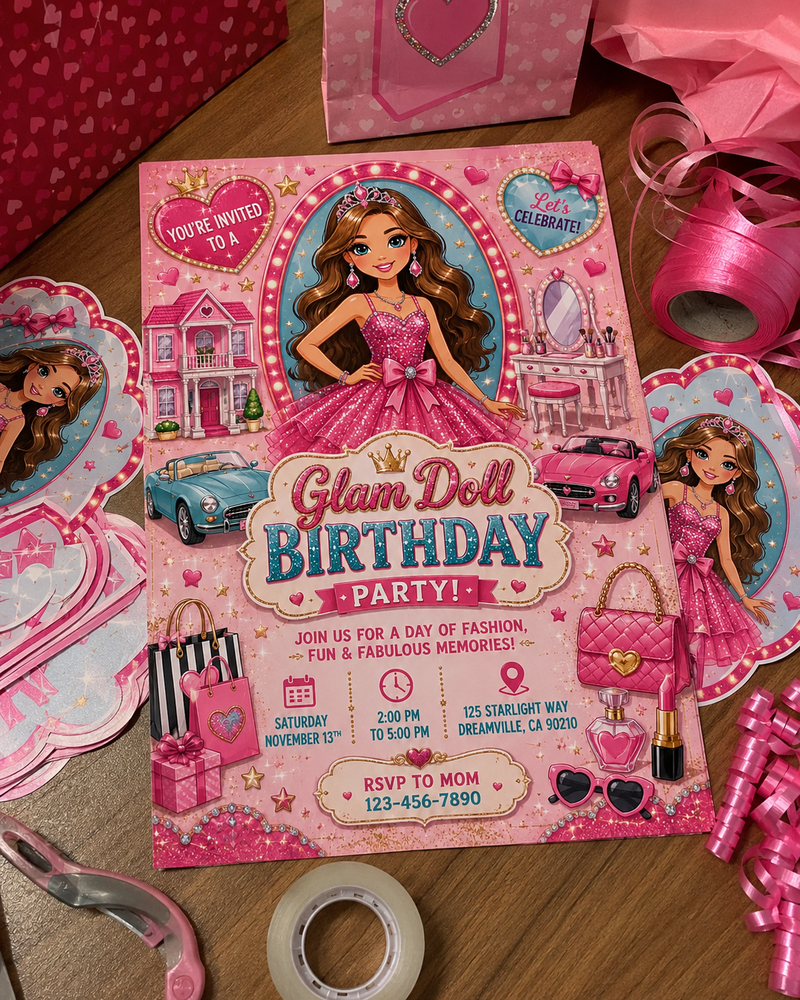
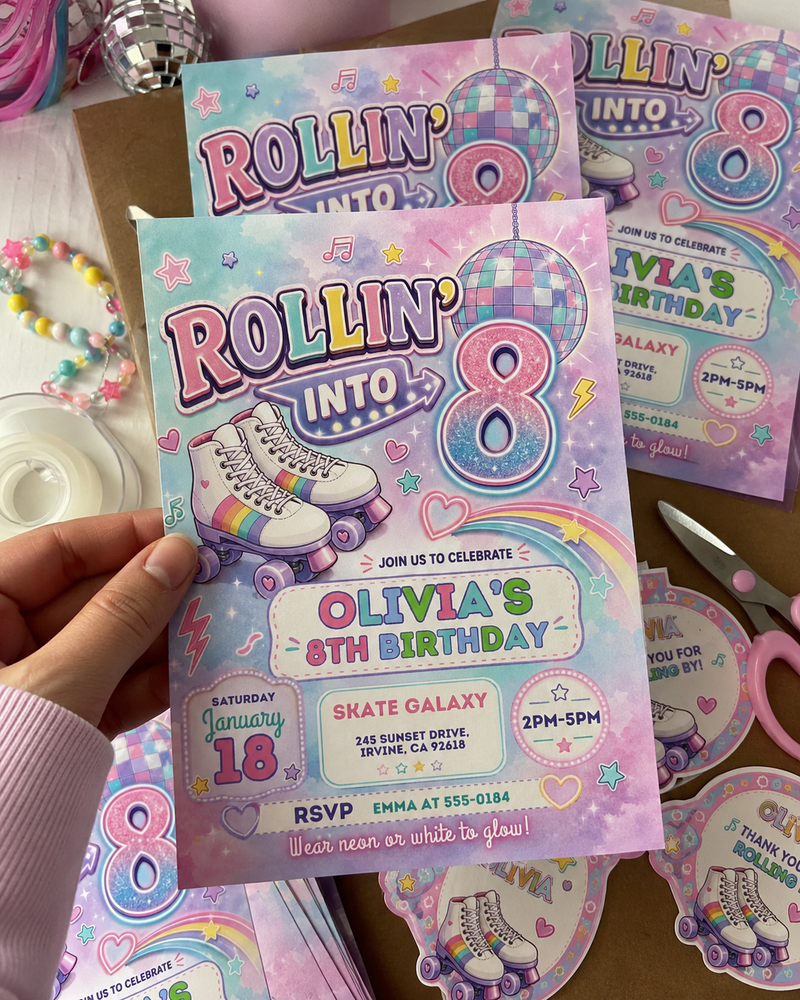
Real invitations our customers printed and celebrated - tap a photo to take a closer look.



Loved by Party Planners Everywhere

Is this a physical product?
It's a digital design, so there's no shipping cost and no waiting for the mail. Print it at home or at a print shop, or share it by text or email.
How fast will I get it?
Right after purchase. Self-Edit: your Canva link is emailed to you, usually within minutes. We-Edit: we personalize your design and email you the finished files within 24 hours.
Can I print it front and back (double-sided)?
Yes, we can design a matching back side for your invitation, with a photo, the schedule, registry details or an RSVP QR code.
Self-Edit: after you order, email contact@voltby.net with your order number and what you'd like on the back, and we'll add a matching back to your template.
We-Edit: just write "add a matching back side" and what you'd like on it in the We-Edit details box when you order.
Printing tips: how to print double-sided invitations.
What is Self-Edit?
You receive the editable Canva template link by email and personalize it yourself.
What is We-Edit?
You send us your event details and we personalize the design for you, then deliver the finished file by email.
Do I need Canva Pro?
No. All Self-Edit templates work with a free Canva account.
Can I add matching signs and tags?
Yes — use the matching pieces in the purchase area above, or choose the Full Party Pack.